Waste Manifests
On this page
Why manifests matter
Every shipment of hazardous waste (spent baths, treatment sludge, solvent rinse) leaves your site on a manifest. The manifest is the legal chain-of-custody. Missing manifests = fines + possible shutdown.
Menu: Plating → Compliance → Waste Manifests.
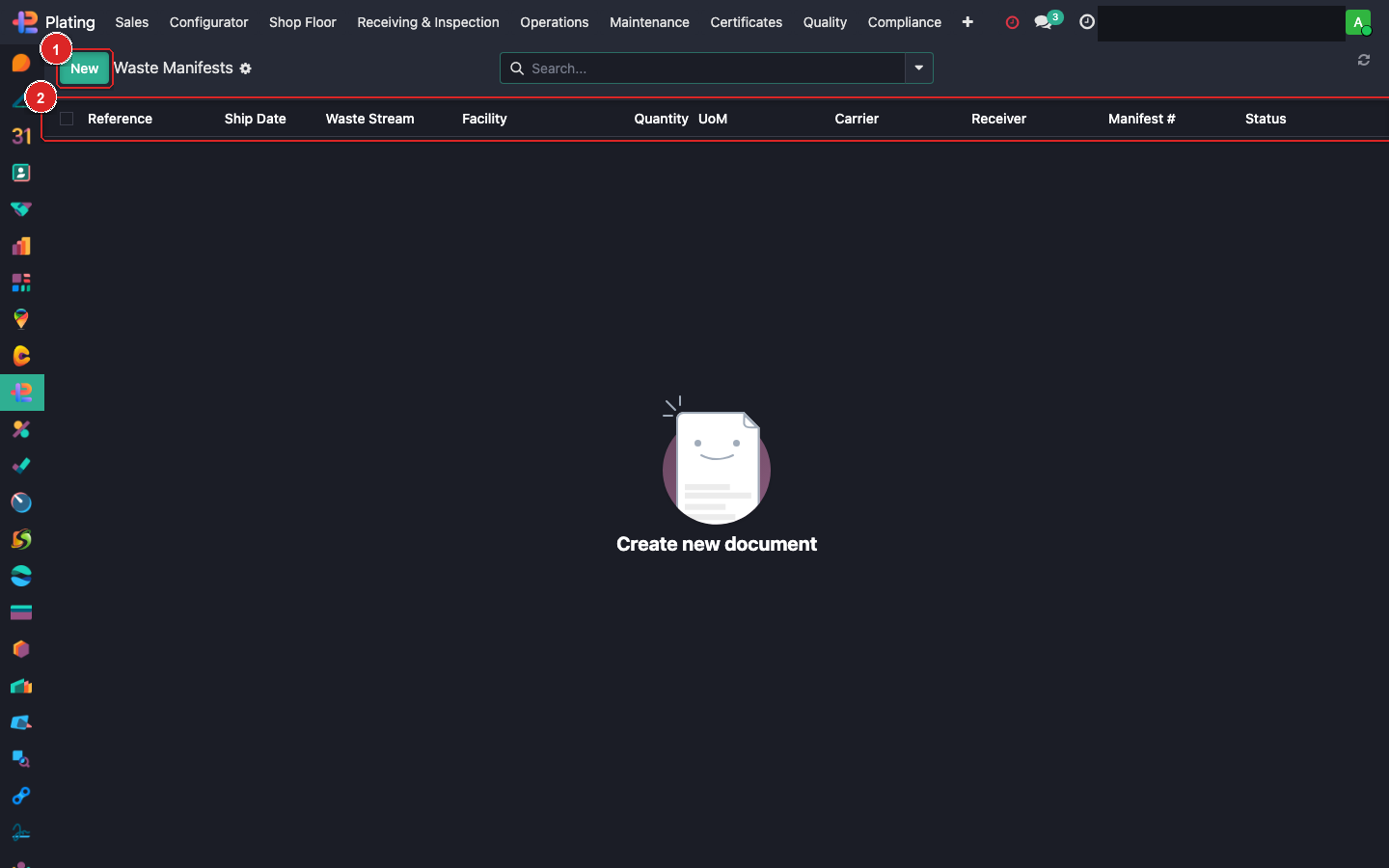
Box ① + New. Box ② column header. Box ③ open a manifest record.
Logging a manifest
Click + New:
| Field | Purpose |
|---|---|
| Manifest Number | Regulator-assigned (e.g. MOE-2026-78214) |
| Shipment Date | When it left the site |
| Hauler | Licensed waste transporter |
| Destination | Final disposal / recycling facility |
| Waste Stream | From your defined streams (e.g. Ni-spent, Acid-rinse) |
| Quantity + UOM | Volume/weight |
| Waste Code | TDG / UN code |
| State | In Transit / Arrived / Reconciled |
Waste streams
Defined once in Plating → Configuration → Waste Streams:
- Spent EN bath
- Chrome rinse water
- Alkaline clean concentrate
- Solvent (non-halogenated)
- Filter media / sludge
Each stream has its associated waste code + typical hauler.
Workflow
- Pre-ship: + New Manifest, fill shipment details.
- Hand manifest copies to the hauler (top 3 pages).
- Keep the shipper copy on file (auto-attached to the record).
- On destination receipt, hauler returns the fourth copy with final-signature.
- Open manifest → Reconcile → upload the returned copy.
- State flips to Reconciled.
Annual reporting
Regulators require an annual waste summary. Click Generate Waste Report → date range → PDF of all manifests in period, waste stream totals, destination summary.
Missing reconciliation
If 90 days pass without receiving the final-signature copy, system flags the manifest as Unreconciled. Call the hauler immediately — missing destination signature is an audit finding.
What can go wrong
Manifest number already used
Enter a unique number per shipment. If regulator uses the same series and you have duplicates, check the shipment date to disambiguate.
Waste stream not in dropdown
Add it to Configuration → Waste Streams. Can't proceed without a stream link.
Hauler's licence expired
Link a current licence PDF to the hauler record. The system warns if the linked hauler's licence is past expiry at shipment time.