Creating an NCR (Nonconformance Report)
On this page
When an NCR is needed
An NCR documents a confirmed defect formally. Any of these triggers it:
- Out-of-spec thickness readings
- First-piece inspection rejected
- Customer complaint with returned parts
- In-process defect found by an operator
- Wrong part received from the customer
- Certification or traceability gap discovered
Quality holds are immediate; NCRs are the paper trail.
Menu: Plating → Quality → NCRs.
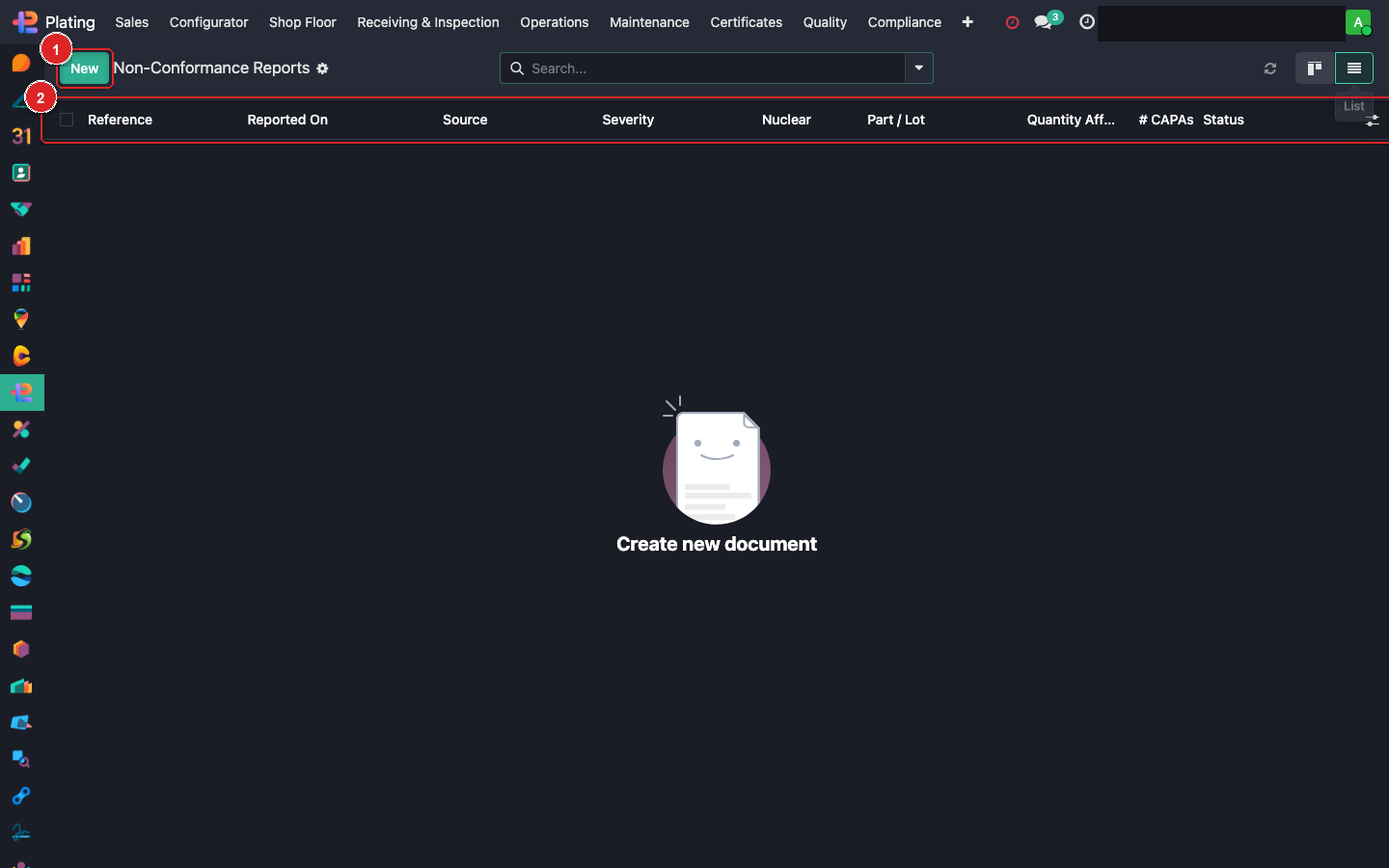
Box ① + New. Box ② column header. Box ③ open any existing NCR.
Filing an NCR
Click + New:
| Field | Example / Purpose |
|---|---|
| Reference | Auto-assigned (NCR-2026-0001) |
| Customer / SO | Pick the affected SO |
| Batch / MO | The affected batch |
| Part Number | From the batch |
| Qty Affected | How many pieces |
| Nonconformance Type | Dimensional / Cosmetic / Material / Spec / Documentation |
| Found At | Step in the process where detected (e.g. Post-plate thickness) |
| Description | Detailed narrative — who, what, when, how |
| Photos | Upload visual evidence |
| Initial Disposition | Rework / Scrap / Accept-as-is / Return-to-customer |
Investigation workflow
After creation:
- Assign an investigator (usually QA lead).
- Root Cause — fill the 5-whys / fishbone / Ishikawa section.
- Containment — what immediate actions stop the defect from spreading.
- Disposition — formalize what happens to the affected parts:
- Scrap: parts destroyed, scrap-value recorded.
- Rework: create a rework plan; track rework completion.
- Accept-as-is: deviation from spec approved; customer must sign.
- Return-to-customer: parts shipped back unplated.
CAPA trigger
If the NCR's root cause points to a systemic issue (not a one-off):
- Click Create CAPA on the NCR form.
- This opens a linked CAPA (Corrective + Preventive Action) — see that guide.
- The NCR stays open until the CAPA closes.
Customer notification
NCRs affecting shipped or about-to-ship parts require customer notification:
- For Accept-with-deviation: customer signs off on the deviation.
- For Return-to-customer: customer is emailed with RMA details.
- Notifications fire automatically via the
FP: NCR Dispositionmail template.
Closing an NCR
Close conditions:
- Root cause documented.
- Disposition executed (parts scrapped, reworked, returned, or accepted).
- Customer approval received if deviation.
- Linked CAPA closed if one was opened.
- Inspector + Manager both signed off.
What can go wrong
Disposition shows blocked
Likely missing customer approval for Accept-with-deviation. Upload the customer's signature or email confirmation.
Can't close — CAPA still open
Close the CAPA first. Or disconnect the CAPA if the root cause is now believed to be isolated.
Scrap value doesn't compute
Check that the part has a standard cost or the coating has a cost rollup. Otherwise scrap value stays 0.