Customer Records
On this page
When to create a customer
Before you can create a quote or sale order for someone, they need a customer record. Common creation triggers:
- Incoming RFQ from a new lead
- Customer's first purchase order arrives
- Sales rep asks for a customer code so a quote can be drafted
Menu: Plating → Sales → Customers.
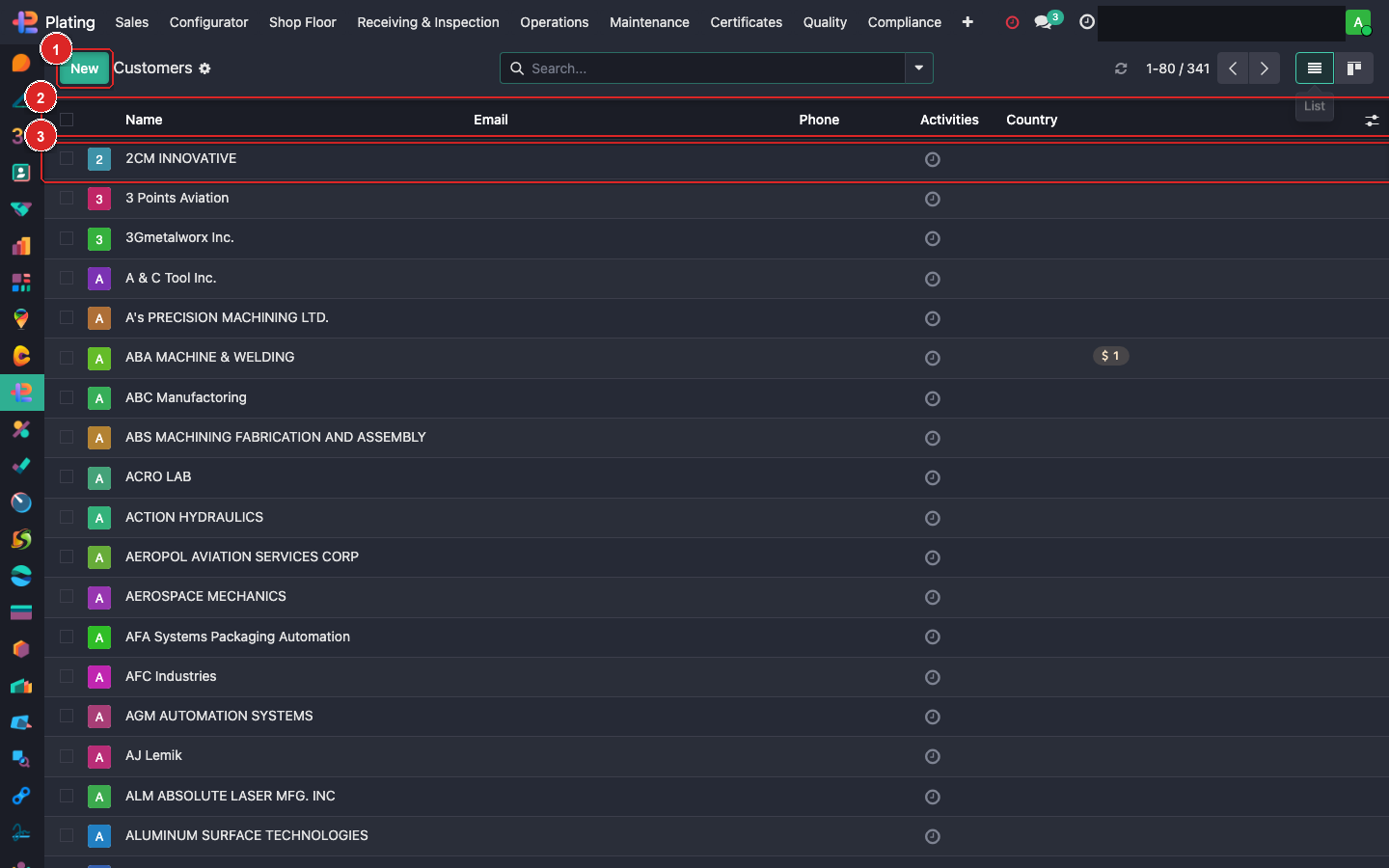
Creating a new customer
Click + New (top-left). A blank customer form opens.
Minimum fields for usable record:
| Field | Example | Why it matters |
|---|---|---|
| Name | Acme Aerospace Inc. | Appears on every quote, SO, invoice, PDF |
| Customer checkbox | ✓ | Flags them as a customer (not vendor) |
| Address | 1234 Main St, Toronto ON | Bill-to and ship-to default here |
| Primary Contact | Jane Doe | Name, email, phone — the person you email |
| Tax ID | GST/HST number | Required for invoicing |
Save, then fine-tune.
Multiple addresses + contacts
Under Contacts & Addresses tab, add:
- Additional delivery addresses (
Delivery Addresstype) for customers with multiple sites. - Additional invoice addresses (
Invoice Addresstype) for AP-only billing contacts. - Additional contacts (quality, purchasing, shipping) so emails go to the right person per event.
Each is its own sub-record. When creating a sale order, dropdowns filter to addresses linked to this customer.
Plating-specific customer settings
Under Sales & Purchase tab, find the Fusion Plating block:
| Field | Purpose |
|---|---|
| Default Invoice Strategy | Deposit / Progress / Net Terms / COD. Seeds every new SO. |
| Default Deposit % | Pre-filled if strategy is Deposit. |
| Account Hold | Check this to block new SOs, invoicing, and shipping for non-managers. Use when payment is overdue. |
| Hold Reason | Free text — visible on the banner when someone tries to create an SO. |
Part Catalog tab
Every part the customer orders is tracked here. Open the tab to see:
- List of parts with revisions
- Per-part default coating
- Drawings / 3D models
- Historical order count
Add new parts directly from the tab. See Part Catalog guide for details.
Price list
Under Pricing, link a Customer Price List if you have one. This overrides the default coating-config pricing for this customer only — useful when you've negotiated a volume discount or a contract rate.
Archiving a customer
Customers you no longer deal with: click the ⚙ menu → Archive. Historical records stay intact; they just disappear from pickers. Un-archive any time.
What can go wrong
Duplicate customer records
Someone creates "ACME Inc." and later someone else creates "Acme Inc.". Odoo won't block this. Before creating a new customer, search. If you find a duplicate, use the ⚙ menu → Merge to combine them.
Account on hold but SO went through
Only non-manager users are blocked. Managers can override for a genuine emergency — look at the SO's chatter to see who did the override and why.
Wrong address on the PDF
Addresses are picked per-SO from the customer's address list. Check which address you picked in the Direct Order wizard or SO header.